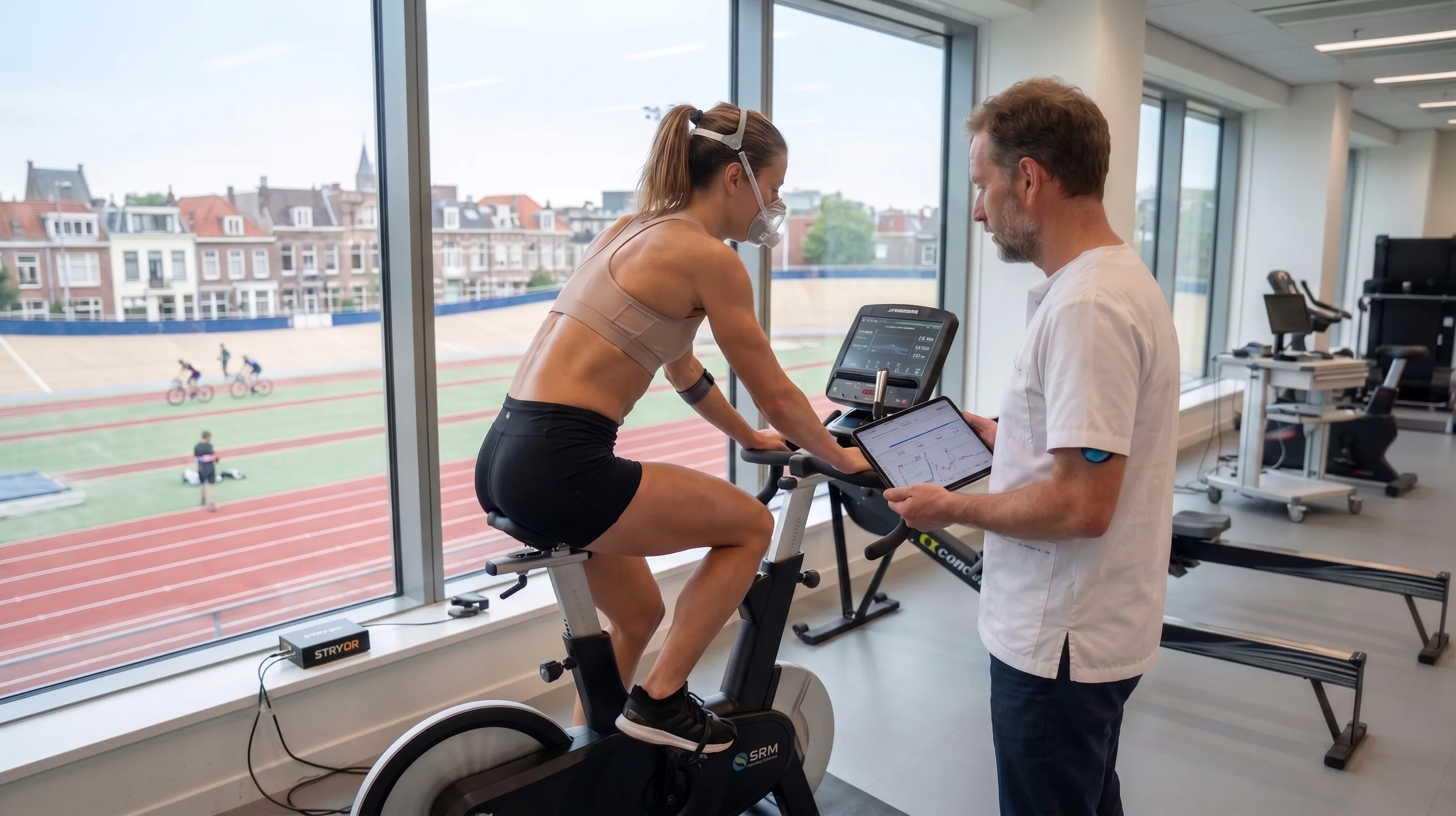
Unlocking lab-grade fitness assessment at scale
Cardiorespiratory & Metabolic Fitness assessment platform with automated reporting, and a range of wireless metabolic analyzers, heart rate, and tissue saturation sensors.
Workflow
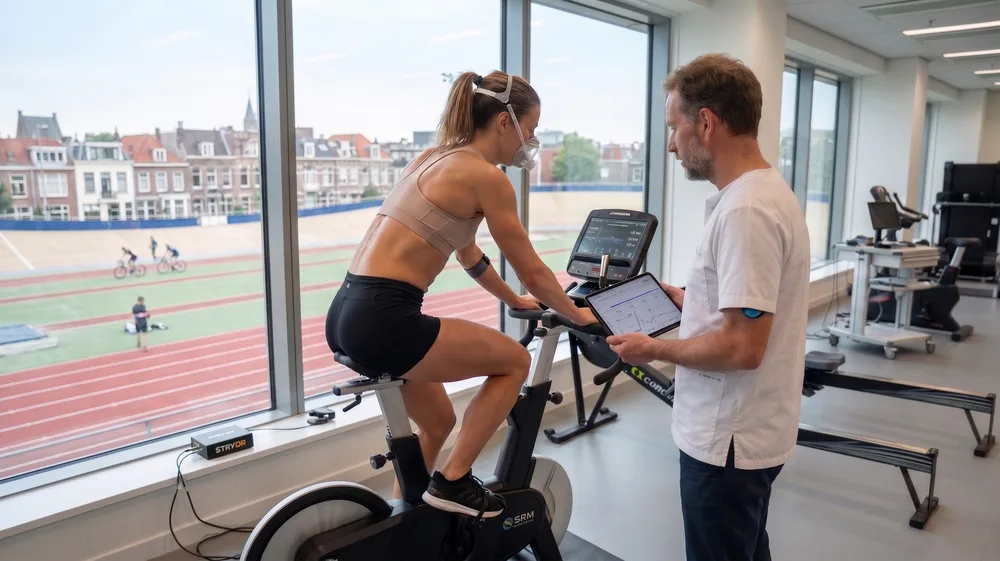
One professional, an iPad, and the sensors in the room. Here is the whole workflow.
Choose department and program
Choose what department and program you'll be running the assessment under. Each program has its own list of subjects and its own selection of assessments.
Select or add a subject
choose an existing subject or add a new one. Subject information includes date of birth or age, sex, height and weight, and can be edited right in the app.
Pick the protocol and devices
Choose from available devices to collect the required data. Tailor the protocol to your needs by choosing a modality and are specifying the subject's fitness level. For several protocols, a cognitive assessment can be added, to enricht the data even further
Set up the devices
The app walks through every sensor and exercise machine in turn: power on, connect, configure, calibrate, and place it correctly on the body.
Run the protocol
The protocol runs as a series of intervals, typically baseline, preconditioning, exercise and recovery. Each active interval shows the instructions and prescribed intensity. With ergo controls, the app and device set the intensity automatically.
Real-time data visualization
Incoming data is shown on screen, organized in key and detail metrics. Key metrics are shown in the graph, and can be overlaid to provide a single view of the subject's performance.
Follow-up questions
A short questionnaire after the last interval records the context of the session, how it went and anything unusual, into the data set alongside the measurements.
Review the report
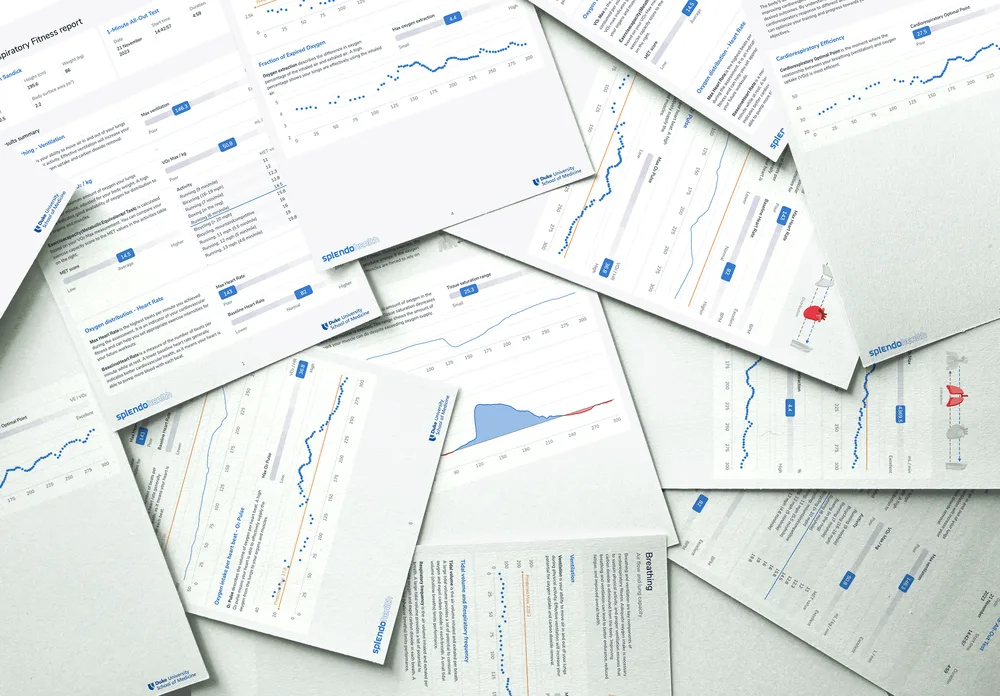
The report can be viewed, downloaded, and shared as soon as the assessment data has synced. It compares performance to the expected value for the subject and lays out each part of the oxygen cycle separately.
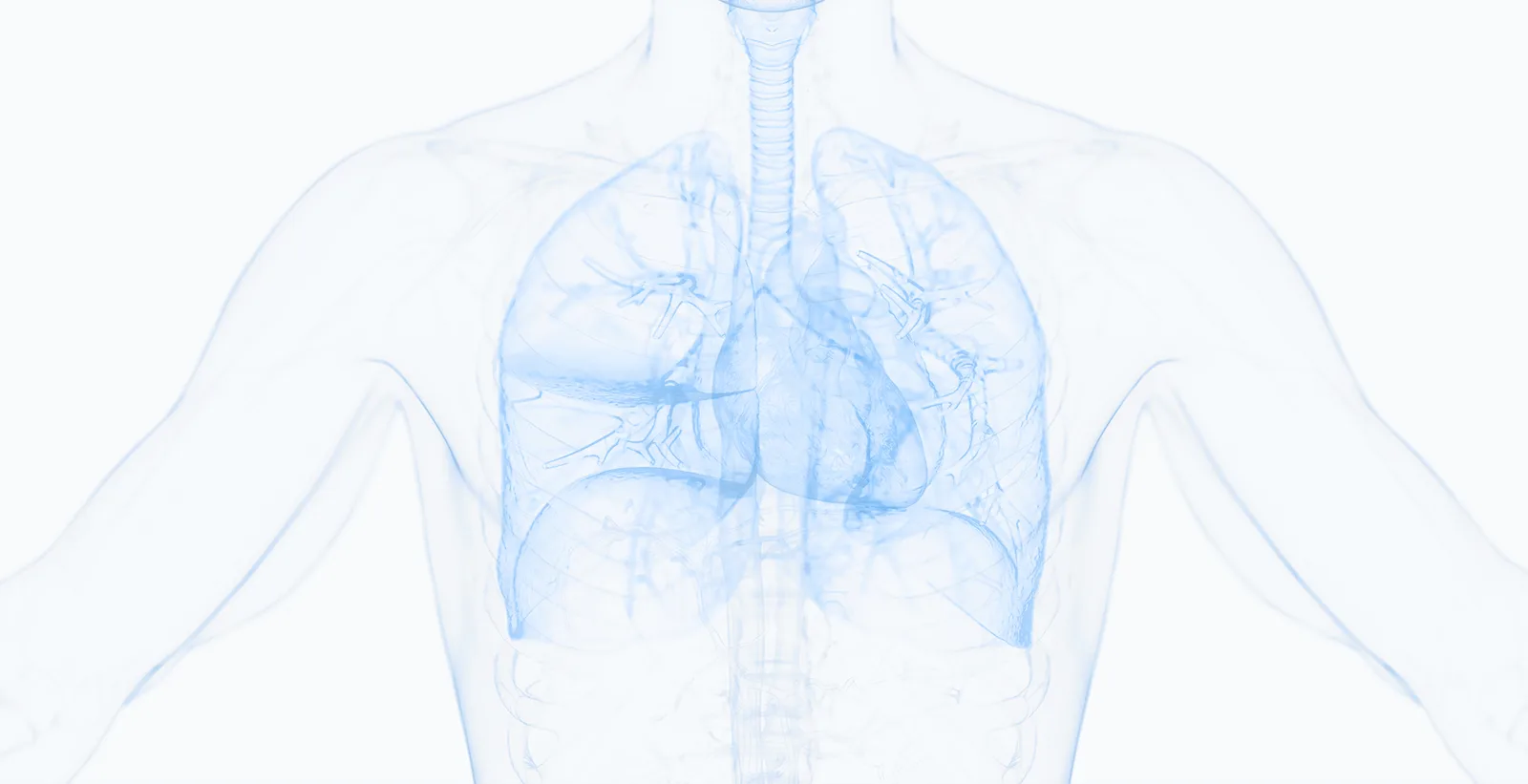
SplendoMonitor
The iPad app that runs the assessment. It pairs the sensors, drives the protocol, and streams the data. Requires an iPad capable of running iPadOS 18: iPad 7th generation, iPad Air 3rd generation, iPad Pro 3rd generation or iPad mini 5th generation and newer. A larger screen is recommended.
Pairs other manufacturers' sensors
Scans for Bluetooth devices, matches them by the ID printed on the hardware, and connects. Metabolic analyzers, heart rate monitors, tissue saturation sensors and ergometers, in one session.
Guided setup and calibration
Step-by-step instructions per sensor, from power on and correct mode through connect, configure, calibrate and place, so a non-specialist can get trustworthy data out of a breath analyzer.
Drives the protocol
Protocols run as timed intervals with on-screen instructions. Where the app controls the ergometer, it sets the resistance itself, so a ramp runs to the protocol rather than to a stopwatch.
Live metrics and graphs
Key metrics stream during the test. Pin a graph to keep it on screen while you inspect another, so you can overlay two signals while the subject is still in front of you.

SplendoHealth Portal
The web side. Departments, programs and subjects live here, along with every report the app has produced.
Reports
Generate, review and share dynamic reports, or export as PDF. Ready as soon as the assessment data has synced.
Programs and subjects
Organise by department and program. Add subjects here and they appear in the app, searchable by name or ID.
Data exports
Export raw or refined data for your own analysis. Useful when the assessment is part of a study rather than a service.
SSO and dedicated environments
Integrate an SSO provider, and run in a dedicated environment for additional personalization and added security.
See it run
A demo is the fastest way to judge whether this fits how your team already works.
SplendoHealth
Guided from setup to report
SplendoMonitor connects over Bluetooth to metabolic analyzers, heart rate and tissue saturation sensors, and ergometers from different manufacturers, then stitches their signals into a single assessment with one timeline and one report.

SplendoMonitor is a Cardiorespiratory & Metabolic fitness assessment tool. It is not a certified medical device and is not intended for diagnosing, treating, or monitoring medical conditions.